

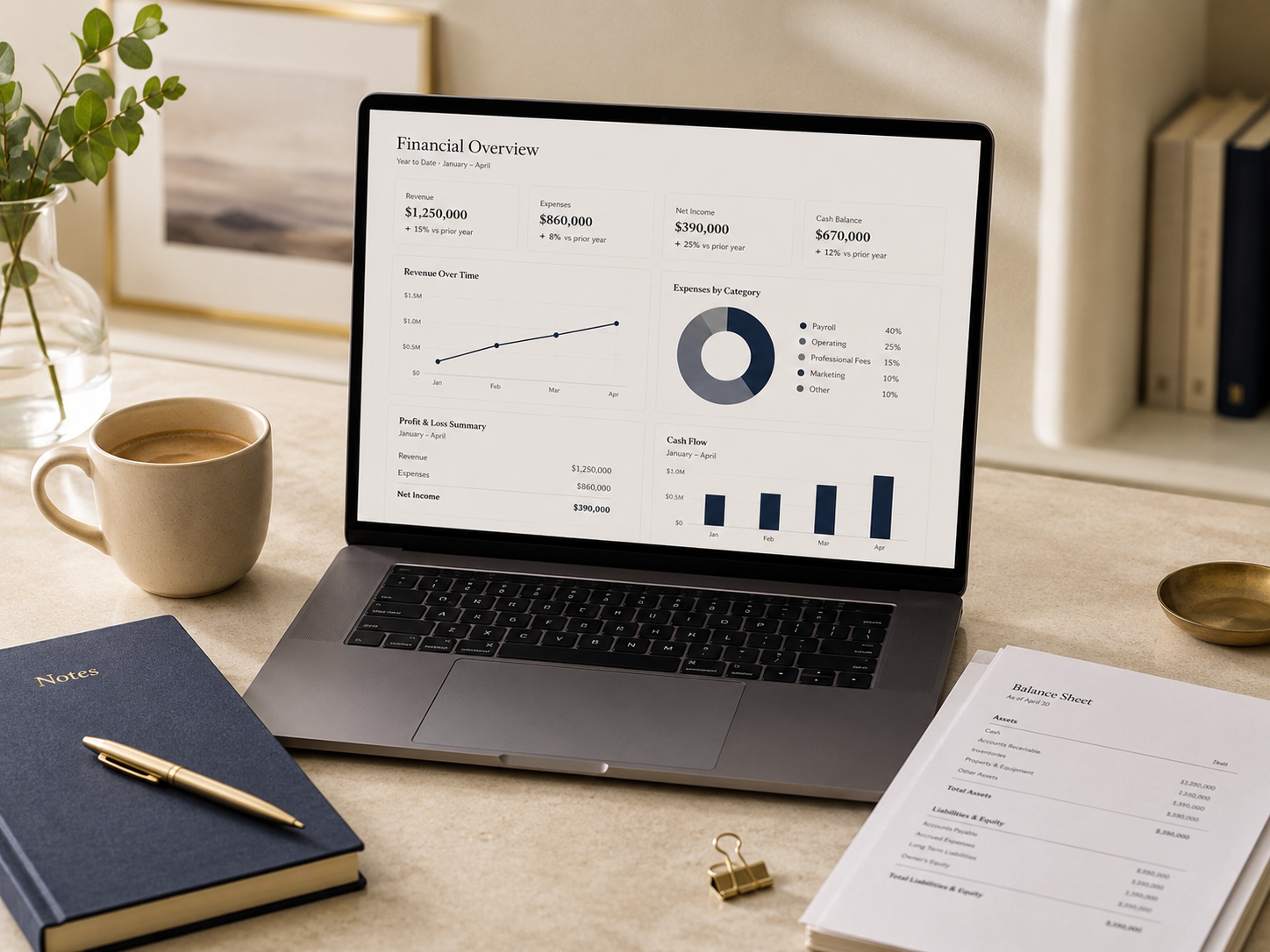
QuickBooks Online can make business bookkeeping more organized, accessible, and efficient.
It can connect financial accounts, support invoicing, organize expenses, track customer balances, and produce reports that help business owners understand what is happening financially.
But simply subscribing to QuickBooks Online does not guarantee reliable books.
The value of the system depends on how it is configured, how consistently it is maintained, and whether the information recorded inside it accurately reflects the business.
A thoughtfully managed QuickBooks Online file should reduce confusion—not create another place where financial information becomes difficult to trust.
Begin with a clean, intentional setup
The quality of the reports produced by QuickBooks Online depends heavily on the original setup.
Before importing years of transactions or connecting every available application, determine what the system needs to accomplish.
A thoughtful setup may include:
- Selecting an appropriate QuickBooks Online plan
- Entering accurate business information
- Confirming the accounting method
- Establishing the fiscal year
- Connecting bank and credit card accounts
- Creating users with appropriate permissions
- Setting up customers and vendors
- Establishing products and services
- Configuring invoices and payment terms
- Reviewing sales-tax settings
- Connecting payroll where appropriate
- Creating a useful chart of accounts
- Entering opening balances carefully
Rushing through setup can create duplicate accounts, incorrect balances, unreliable reports, and unnecessary cleanup work later.
The goal is not to activate every available feature.
The goal is to create a system suited to the way the business actually operates.
Build a chart of accounts that reflects the business
The chart of accounts is the structure used to organize financial activity.
It determines where income, expenses, assets, liabilities, equity, and owner activity appear in financial reports.
A useful chart of accounts should be detailed enough to support meaningful analysis without becoming unnecessarily complicated.
Common problems include:
- Several accounts representing the same expense
- Vague categories such as miscellaneous expense
- Personal expenses mixed with business expenses
- Loan payments recorded entirely as expenses
- Equipment purchases recorded as ordinary supplies
- Owner contributions recorded as income
- Owner withdrawals recorded as expenses
- Transfers between accounts recorded as revenue
- Duplicate bank or credit card accounts
- Old accounts that remain active after they are no longer used
Too little detail can hide important information.
Too much detail can make reports difficult to read and increase inconsistent categorization.
The chart of accounts should help the owner understand the business—not force the owner to interpret a maze of nearly identical categories.
Treat bank feeds as a tool, not a complete bookkeeping system
Connecting bank and credit card accounts can reduce manual data entry.
Transactions may flow into QuickBooks Online for review, matching, and categorization.
However, downloaded transactions still require judgment.
The bank feed usually does not know:
- Whether a purchase was business or personal
- Whether a payment relates to a loan
- Whether a transaction is an internal transfer
- Whether a customer deposit is income, a loan, or an owner contribution
- Whether equipment should be recorded as an asset
- Whether a payment should be matched to an existing bill
- Whether a deposit should be applied to an invoice
- Whether the transaction has already been entered elsewhere
Accepting every suggested category without review can create repeated errors.
Automation works best when supported by clear rules, consistent documentation, and regular oversight.
Use bank rules carefully
Bank rules can automatically categorize recurring transactions.
They may be useful for predictable activity such as:
- Monthly software subscriptions
- Rent
- Utilities
- Insurance
- Regular loan payments
- Merchant-processing fees
- Transfers between established accounts
Rules should be specific enough to avoid applying the wrong treatment to unrelated transactions.
A poorly designed rule can repeat an error across dozens or hundreds of entries.
Review automated transactions periodically and confirm that existing rules still reflect the current business.
Automation should reduce repetitive work while preserving accuracy.
Reconcile every financial account regularly
A connected bank feed is not the same as a completed reconciliation.
Reconciliation compares the transactions and balance recorded in QuickBooks Online with the official statement issued by the bank, credit card company, lender, or payment processor.
Accounts that may require reconciliation include:
- Operating bank accounts
- Savings and reserve accounts
- Payroll accounts
- Credit cards
- Lines of credit
- Loans
- Merchant-processing clearing accounts
- Payroll clearing accounts
Regular reconciliations can identify:
- Missing transactions
- Duplicate entries
- Incorrect dates
- Unrecorded fees
- Payments entered for the wrong amount
- Deposits applied incorrectly
- Transactions recorded in the wrong account
- Old outstanding checks
- Beginning-balance problems
For many businesses, bank and credit card accounts should be reconciled monthly.
Businesses with heavier activity may benefit from more frequent review.
A QuickBooks balance should not be treated as reliable simply because the account is connected.
Keep business and personal activity separate
QuickBooks Online is easier to maintain when business transactions occur through dedicated business accounts.
Business owners should generally use:
- Business bank accounts
- Business credit cards
- Consistent payment methods
- Documented owner contributions
- Documented owner withdrawals
- Clear reimbursement procedures
When personal activity appears in the business books, it should be classified appropriately rather than treated as a deductible business expense.
When an owner personally pays a legitimate business expense, it should be documented and recorded correctly.
Separation improves bookkeeping accuracy, tax preparation, financial reporting, and the credibility of the business records.
Use customers, invoices, and payments consistently
Businesses that bill customers can use QuickBooks Online to track invoices and outstanding balances.
The process is most useful when it is followed consistently.
A sound invoicing workflow may include:
- Creating the customer correctly.
- Preparing the invoice promptly.
- Using clear descriptions and payment terms.
- Sending the invoice through the approved process.
- Recording customer payments.
- Applying each payment to the correct invoice.
- Reviewing outstanding balances.
- Following up on overdue accounts.
- Recording credits and refunds accurately.
- Reconciling deposited funds with the bank.
Recording a customer payment as general income instead of applying it to an invoice can leave the invoice showing as unpaid.
That creates inaccurate accounts receivable and may overstate revenue.
Reliable invoicing depends on consistent transaction handling.
Track vendor bills intentionally
Some businesses record expenses only when payments appear in the bank feed.
Others need to track vendor bills before they are paid.
Using the bills workflow can help a business understand:
- What it currently owes
- Which vendors are due soon
- Whether an expense belongs to the current period
- Whether bills have been entered twice
- Whether upcoming obligations will affect cash flow
Bills should be entered consistently and matched to the eventual payment.
Recording both a bill and a separate expense for the payment can duplicate the cost.
The appropriate process depends on the business’s accounting method and reporting needs.
Attach supporting documents thoughtfully
Receipts, invoices, contracts, and other records may be attached to transactions within the bookkeeping system.
This can improve organization and make future review easier.
Useful supporting documentation may include:
- Vendor receipts
- Purchase invoices
- Customer contracts
- Loan statements
- Equipment-purchase documents
- Mileage records
- Reimbursement support
- Deposit explanations
- Written business-purpose notes
A bank statement proves that money moved.
It does not always prove the business purpose or tax treatment of the transaction.
Documentation should be collected as part of the regular workflow rather than reconstructed during tax preparation.
Give each user appropriate access
Not every user needs full access to every area of the financial system.
Access should reflect each person’s responsibilities.
Examples may include:
- An owner with administrative access
- A bookkeeper with accounting access
- An employee who creates invoices
- A payroll user with limited payroll responsibilities
- An outside accountant with professional access
- A reports-only user who reviews results
Each person should use an individual login rather than shared credentials.
Access should be reviewed when employees, contractors, or advisors change roles or leave the business.
Financial information is sensitive. Convenience should not override appropriate access controls.
Connect outside applications selectively
QuickBooks Online can connect with payment processors, payroll platforms, time-tracking systems, expense tools, e-commerce platforms, and other applications.
Integrations can reduce duplicate work, but they can also introduce new problems.
Before connecting an application, consider:
- What information will sync?
- Which system will be the primary record?
- Could the integration create duplicate transactions?
- How will processing fees be recorded?
- How will refunds be handled?
- Does the connection require a clearing account?
- Who will monitor synchronization errors?
- What access will the application receive?
- Is the application genuinely necessary?
- How will it be disconnected if the business changes systems?
More connections do not automatically create a better financial system.
The strongest technology stack is usually the one that is understandable, secure, and actively maintained.
Review financial reports—not just transactions
Bookkeeping should lead to useful financial information.
At the end of each month, review reports such as:
- Profit and loss
- Balance sheet
- Accounts receivable aging
- Accounts payable aging
- Cash-flow information
- Sales by customer, product, or service
- Expense comparisons
- Budget-to-actual results
- Prior-period comparisons
The appropriate reports will depend on the business.
Each report should answer a question or support a decision.
For example:
- Is revenue growing?
- Which expenses changed significantly?
- Are customers paying on time?
- Is debt declining?
- Does the business have enough cash?
- Are profit margins improving?
- Which services produce the strongest results?
- Are owner withdrawals sustainable?
- Are there unusual balances that require correction?
Reports become more valuable when they are reviewed consistently and explained in plain language.
Establish a monthly closing process
A monthly close creates a clear point at which the bookkeeping for a period has been completed and reviewed.
A practical monthly process may include:
- Confirming that all transactions have been entered.
- Reconciling bank and credit card accounts.
- Reviewing customer invoices and payments.
- Reviewing vendor bills and payments.
- Recording payroll activity.
- Reviewing loans and fixed assets.
- Checking owner contributions and withdrawals.
- Investigating uncategorized transactions.
- Reviewing unusual account balances.
- Preparing and reviewing financial reports.
- Making necessary corrections.
- Closing or locking the period after review.
Without a close process, reports may continue changing long after they have been reviewed.
Consistency improves reliability.
Avoid deleting transactions simply to make accounts balance
When something does not reconcile, the solution should be based on understanding the difference.
Deleting or changing transactions without identifying the cause may temporarily make an account balance while creating inaccurate financial records.
Instead:
- Compare the books with the statement
- Search for duplicate transactions
- Review transaction dates and amounts
- Identify missing activity
- Check transfers and payments
- Review beginning balances
- Confirm whether transactions were matched correctly
- Document necessary adjustments
Corrections should leave a clear and supportable record.
Review the system as the business changes
A QuickBooks Online setup that worked for a new business may no longer be sufficient after the business adds employees, locations, loans, inventory, services, or owners.
The system should be reviewed when the business:
- Changes entity structure
- Adds payroll
- Begins collecting sales tax
- Opens another location
- Takes on significant debt
- Adds an owner
- Introduces new revenue streams
- Begins carrying inventory
- Changes payment processors
- Adds major software integrations
- Needs departmental or location reporting
- Prepares for financing or sale
The bookkeeping structure should evolve deliberately rather than through years of unplanned additions.
QuickBooks Online should create clarity
The purpose of QuickBooks Online is not simply to store transactions.
It should help create a financial system that is organized, understandable, and useful.
That requires:
- Thoughtful setup
- Consistent workflows
- Reliable categorization
- Regular reconciliations
- Appropriate user access
- Selective automation
- Useful reports
- Ongoing professional review
Software cannot replace professional judgment.
It can, however, support a much stronger accounting process when the system is designed and maintained with care.
Build a cleaner QuickBooks Online system
The Ledger House helps owner-operated businesses set up, reorganize, clean up, and maintain QuickBooks Online systems that support clearer bookkeeping and better financial decisions.
Begin a conversation with The Ledger House
This article is provided for general informational purposes only and does not constitute tax, accounting, legal, investment, cybersecurity, or financial advice. QuickBooks Online features, subscription options, access permissions, and availability may change. Consult a qualified professional regarding your specific business and accounting needs.